
This document is an instruction manual for the operation methods of models 2759 and 3344 watches. The illustrations are based on model 2759, and the watch has two screen modes: white background with black text and black background with white text. It provides instructions for the timing mode, world time mode, countdown timer mode, stopwatch mode, alarm mode, and pointer setting mode.
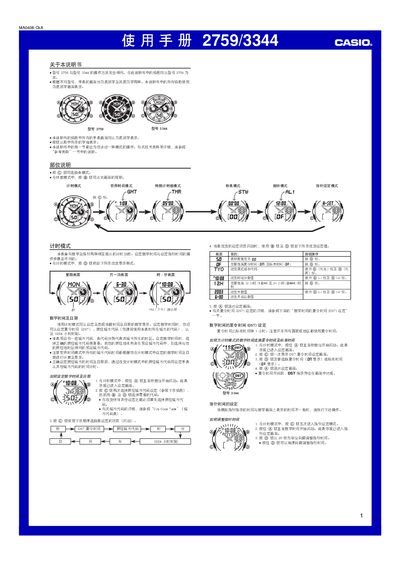
This manual covers the operation of the Casio 2759/3344 wristwatch, describing each mode—timing, world time, countdown timer, stopwatch, alarm, and pointer setting. Detailed step‑by‑step instructions show how to set digital time, daylight‑saving time, city codes, and alarm functions.
The guide also provides technical reference data such as the EL backlight, automatic calendar range, and button functions. It includes a city‑code table for world‑time calculations and notes on lighting, battery consumption, and automatic return to the main screen. This manual is written in Chinese.
| Display backlight type | EL (electronic fluorescent) panel |
|---|---|
| Year setting range | 2000 – 2039 |
| Stopwatch measurement range | 59 min 59.99 sec |
| Countdown timer range | 1 – 60 minutes |
Press the B button in any mode; the EL backlight will illuminate the display for about two seconds.