
This manual is the user manual for the Casio EX-Z1050 digital camera, and introduces the camera's various functions and usage methods.
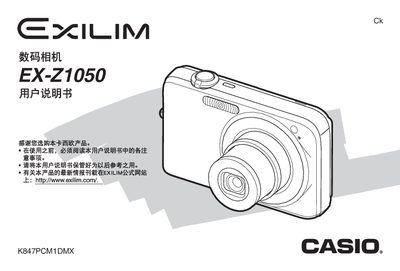
The Canon EX‑Z1050 user manual provides step‑by‑step instructions for unpacking, charging the NP‑40 battery, inserting memory cards, and configuring basic camera settings. It also details advanced shooting modes, image editing functions, file management, and how to connect the camera to a computer for image transfer.
Additional sections cover printing options, battery charger usage, troubleshooting, and a full specifications appendix that lists image formats, storage capacity, dimensions, and power requirements. This manual is written in Chinese.
| 产品类型 | 数码相机 |
|---|---|
| 快照文件格式 | JPEG (Exif Version 2.2) |
| 内置存储器 | 15.4 MB |
| 重量 | 约125 g |
A full charge takes about 150 minutes.
The camera can capture images up to 3648 × 2736 pixels (10 MP).