
This document describes the operation methods of models 3358/3368/3798 watches. The watches have multiple modes, including stopwatch mode, world time mode, countdown timer mode, etc. It is possible to set and view the time and date using digital display, as well as choose daylight saving time and local city codes. The watches also have an illumination function and pointer setting mode.
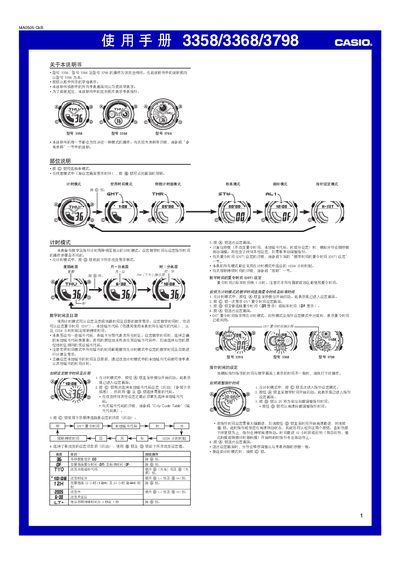
This manual covers all operating modes of the Casio 3358/3368/3798 digital watch, including Timing Mode, World Time Mode, Countdown Timer Mode, Stopwatch Mode, Alarm Mode and Hand Setting Mode. Each mode is explained with button sequences (A, B, C, D) and visual indicators.
Additional sections describe the EL panel lighting, automatic illumination, city‑code table, battery considerations and safety warnings. The document also includes a city‑code table with GMT offsets for worldwide time zones. This manual is written in Chinese.
| Display limit (stopwatch) | 59 minutes 59.99 seconds |
|---|---|
| Year setting range | 2000‑2039 |
| Lighting type | EL (electroluminescent) panel |
| Countdown timer range | 1‑60 minutes |
| Number of daily alarms | 5 |
| Time format selectable | 12‑hour or 24‑hour |
| World time cities displayed | 27 cities (29 time zones) |
Press and hold the B button for about 2 seconds in any mode to toggle automatic illumination on or off; the watch lights up when you turn the face toward you more than 40°.