
This document is a guide on setting up and configuring NETGEAR routers, including using the NETGEAR CD for setup, changing configurations, default wireless security settings, and more.
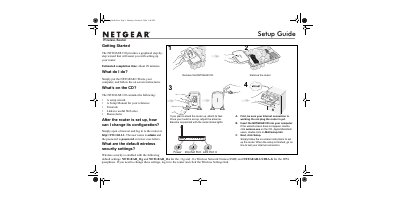
This document is a setup guide for the NETGEAR WGU624 wireless router. It explains how to use the graphical setup wizard provided on the included CD to configure the device in approximately 20 minutes. The guide also details the default wireless security settings, including the SSID and WPA passphrase, which are NETGEAR_11g and NETGEAR_11a for the respective networks and NETGEAR-ULTRA-G for the WPA passphrase.
| Default SSID (11g) | NETGEAR_11g |
|---|---|
| Default SSID (11a) | NETGEAR_11a |
| Default WPA Passphrase | NETGEAR-ULTRA-G |
| Default Login URL | http://192.168.1.1 |
| Default Username | admin |
| Default Password | password |
The estimated completion time for setting up the router is about 20 minutes.
You can log in to the router by opening a browser and going to http://192.168.1.1.
Wireless security is enabled with SSIDs NETGEAR_11g and NETGEAR_11a, and the WPA passphrase is NETGEAR-ULTRA-G.