
This document is a product manual for ViewSonic PJ750 projector.
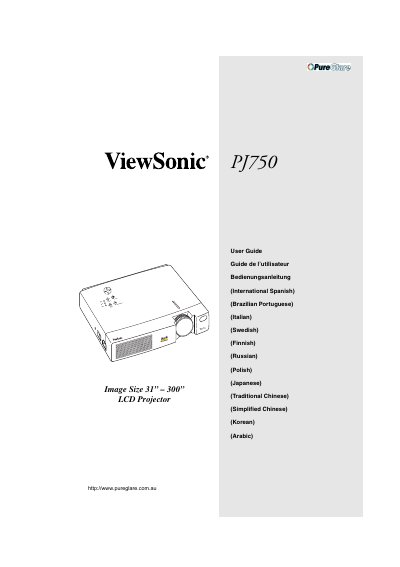
This document is the official user guide for the ViewSonic PJ750 LCD projector. It covers the complete lifecycle of the device, from unboxing and connecting input/output devices to positioning the projector for optimal image quality. The guide details the use of control buttons, menu navigation, and image adjustment features such as zoom and focus.
| Product Type | LCD Projector |
|---|---|
| Image Size Range | 31" - 300" |
| Model Number | VPROJ22826 |
The projector requires a warm-up period of approximately 45 seconds after the power is turned on.
The unit remains in cool-down mode with the fan on for approximately 1 minute after the lamp is turned off.
You must unplug the projector and allow it to cool for 45 minutes before replacing the lamp.