
This is the user guide of ViewSonic PJ750 LCD projector
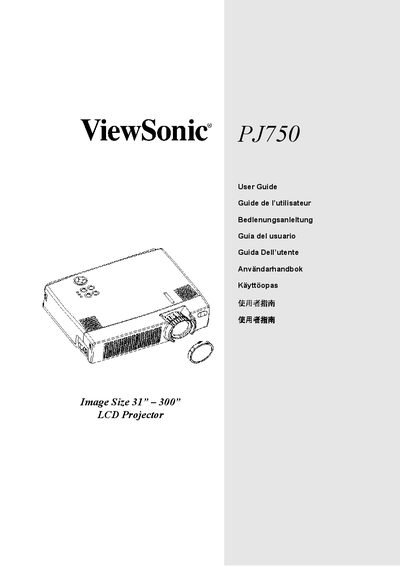
This guide covers everything you need to get the ViewSonic PJ750 projector up and running, from unpacking the contents of the package to connecting power and video cables. It includes detailed installation steps, foot‑adjuster usage, and safety warnings.
The manual also explains how to operate the remote control, insert batteries, attach the optional handle, and perform routine maintenance such as cleaning air filters. FCC, Canadian, and European compliance information is provided, along with troubleshooting tips and warranty details.
| Image Size | 31" — 300" |
|---|---|
| Model Number | VPROJ24247-2W |
| Document Number | A‑CD‑PJ750‑2 |
Lift the handle hook, pass the handle through the hole, and buckle both ends as shown in the guide.