
Key facts
Start here
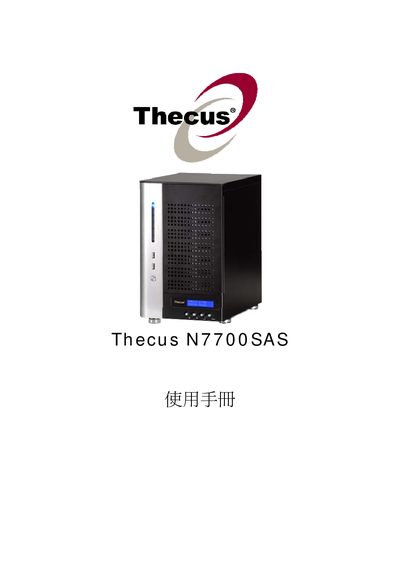
Thecus N7700SAS User Manual
This manual covers the installation and configuration of the Thecus N7700SAS network attached storage device. It includes detailed steps for setting up RAID arrays, iSCSI volumes, NFS shares, Samba services, and other network features.
Additional sections describe system utilities such as UPS settings, SNMP, Dynamic DNS, and media server functions, as well as troubleshooting and maintenance procedures.
All Thecus N7700SAS documents by type
Day-to-day operation, settings and troubleshooting. Start here if the product is already set up.
Questions answered in these manuals
How do I create a RAID array on the Thecus N7700SAS?
Use the RAID configuration menu and select "Create a RAID" to set up a new RAID array.
How can I allocate space for an iSCSI volume?
Navigate to the iSCSI configuration section and choose "Allocating Space for iSCSI Volume".
How do I create a RAID array on the N7700SAS?
Use the RAID Management section of the manual and select “Create a RAID” to define the RAID level and disks.
How do I create a RAID array on the N7700SAS?
Use the "Create a RAID (#17 RAID)" option in the RAID configuration menu.
How can I set up an iSCSI volume on the N7700SAS?
Allocate space with "Allocating Space for iSCSI Volume" and then modify it using "Modify iSCSI Volume".
How do I create a RAID array on the N7700SAS?
Select the Create a RAID option in the RAID menu (shown as "Create a RAID (#37 RAID)") and follow the on‑screen prompts.