
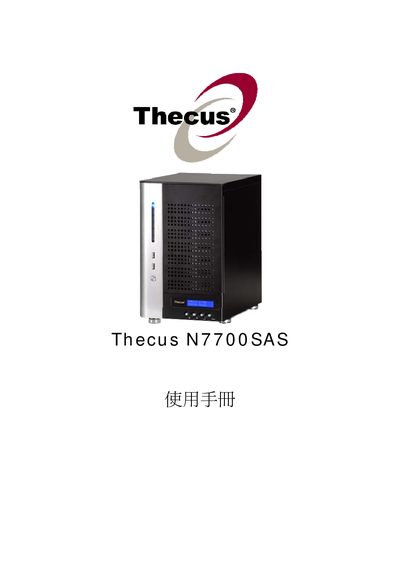
This manual covers the installation and configuration of the Thecus N7700SAS network attached storage device. It includes detailed steps for setting up RAID arrays, iSCSI volumes, NFS shares, Samba services, and other network features.
Additional sections describe system utilities such as UPS settings, SNMP, Dynamic DNS, and media server functions, as well as troubleshooting and maintenance procedures.
| Power Input | AC 100V ~ 240V 50/60Hz 3A |
|---|---|
| Operating Temperature | 0°C to 40°C |
Use the RAID configuration menu and select "Create a RAID" to set up a new RAID array.
Navigate to the iSCSI configuration section and choose "Allocating Space for iSCSI Volume".
NFS shares are configured in the "NFS Share" section of the manual.
The manual includes a "UPS Setting" chapter that describes how to connect and configure an UPS.