
Key facts
Start here
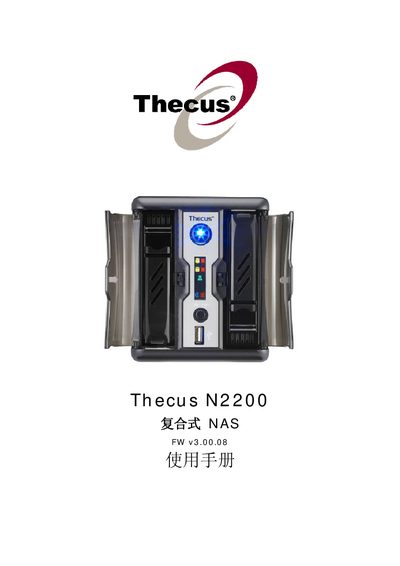
Thecus N2200 Firmware v3.00.08 User Guide
Thecus N2200 is a network‑attached storage (NAS) device that supports multiple network services such as SMB/CIFS, AFP, NFS, FTP, and Media Server. This guide covers installation, system management, and configuration of those services, as well as RAID creation and maintenance.
The document also includes hardware specifications, UPS compatibility, licensing information, and troubleshooting tips. Appendices provide detailed product specs, customer support contacts, RAID basics, and licensing terms.
Thecus N2200 specifications
| Power Input | AC 100V ~ 240V, 50/60 Hz, 5 A |
|---|---|
| Operating Temperature | 0 °C to 40 °C |
| Operating Humidity | 20 % to 85 % RH |
All Thecus N2200 documents by type
Day-to-day operation, settings and troubleshooting. Start here if the product is already set up.
Questions answered in these manuals
What are the power requirements for the N2200?
It requires an AC input of 100 V to 240 V at 50/60 Hz, drawing up to 5 A.
Can I repair the N2200 myself?
No, the device is a precision electronic device and should not be repaired by the user.
What happens if the HDD fails?
The HDD LED will flash red to indicate a failure.
How do I create a RAID array on the N2200?
Select the “Create a RAID” option under the RAID Information section.
How can I configure the LAN settings?
Use the “LAN Configuration” menu under System Network to set IP address, subnet mask, and gateway.