
Key facts
Start here
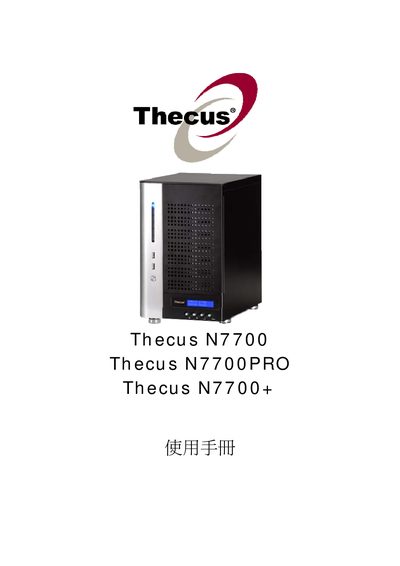
Thecus N7700 Thecus N7700PRO Thecus N7700+ Manual
Thecus N7700, N7700PRO and N7700+ are network‑attached storage appliances designed for small‑business and home use. The manual describes hardware specifications, power requirements (AC 100V ~ 240V, 50/60 Hz, 3 A) and operating conditions (0 °C – 40 °C, 20 % – 85 % humidity).
It guides users through configuring the system, including creating and managing RAID arrays, setting up network services such as LAN, DHCP, Samba/CIFS, AFP, NFS, iSCSI, and Media Server, as well as advanced features like Active Directory integration, Dynamic DNS, and snapshot management.
Thecus N7700 specifications
| Power Input | AC 100‑240 V, 50/60 Hz, 3 A |
|---|---|
| Operating Temperature | 0 °C to 40 °C |
| Relative Humidity | 20 % – 85 % |
Source: Thecus N7700 User Manual
All Thecus N7700 documents by type
Day-to-day operation, settings and troubleshooting. Start here if the product is already set up.
- Thecus N7700 manual
- Thecus N7700 Thecus N7700PRO FW v3.00.06 Manual
- Thecus N7700 Thecus N7700PRO FW v3.00.08 Manual
- Thecus N7700 Thecus N7700PRO FW v3.00.06 Guide
- Thecus N7700 Manual(1)
- Thecus N7700 Manual(1)(1)
- Thecus N7700 User Manual 114 p
- Thecus N7700 User Manual 114 p
- Thecus N7700 Thecus N7700PRO Thecus N7700+ Manual 149 p
Questions answered in these manuals
How should I safely power off the N7700?
If a fault occurs, turn off the power immediately and take the unit to a qualified service center for repair.
From: Thecus N7700 User Manual
How do I create a RAID array on the N7700?
Use the RAID Information section and select "Create a RAID" to define the RAID level and disks.
How can I allocate space for an iSCSI volume?
Go to the iSCSI configuration pages and choose "Allocating Space for iSCSI Volume" followed by "Modify iSCSI Volume" as needed.