
Thecus N7700SAS User Manual
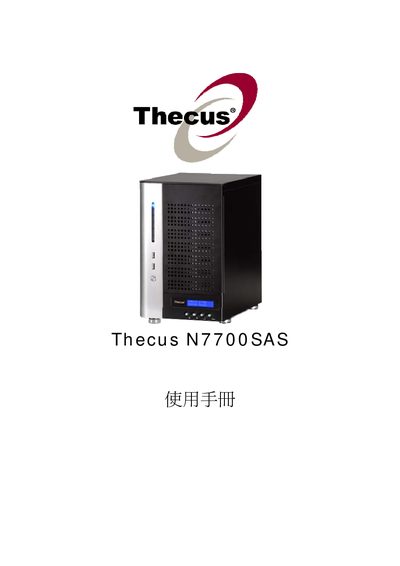
Thecus N7700SAS is a network attached storage device that supports multiple RAID levels, iSCSI, NFS, Samba and media server functions. The manual describes hardware specifications, power requirements (AC 100V ~ 240V‑50/60Hz‑+3A) and operating conditions.
The guide walks users through configuring RAID arrays, setting up network interfaces, managing shares (NFS, Samba, AFP), enabling iSCSI volumes, and using additional services such as Nsync, UPnP, and Dynamic DNS. Detailed steps for Windows, macOS and iTunes integration are also included.
| Power Input | AC 100V ~ 240V‑50/60Hz‑+3A |
|---|---|
| Operating Temperature | 0°C to 40°C |
Use the "Create a RAID (#17 RAID)" option in the RAID configuration menu.
Allocate space with "Allocating Space for iSCSI Volume" and then modify it using "Modify iSCSI Volume".
Add an Nsync task with "Add Nsync Task (#728 NSyNG C(F)" and designate the device as an Nsync target.