
Key facts
- Brand
- Thecus
- Model
- N5500
- Documents
- 7
- Languages
- ZH · EN
- Last added
- 2011-09-23
Start here
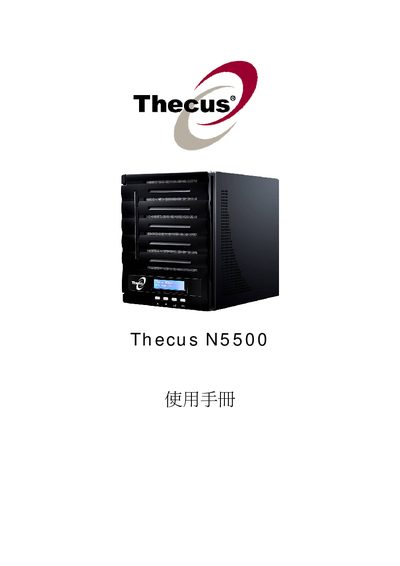
Thecus N5500 NAS User Manual
This guide introduces the Thecus N5500 network attached storage device, covering its hardware layout, power requirements, and physical installation steps. It also details the supported drive bays, environmental limits, and basic system settings.
The manual explains how to configure RAID levels, enable network services such as SMB/CIFS, NFS, iSCSI, and Apple Time Machine, and provides troubleshooting tips for common issues.
Thecus N5500 specifications
| KDC48600 Rated Current | 600 A |
|---|---|
| KDC48600 Continuous Current | 240 A |
| KDC48600 Operating Voltage | 24 V‑48 V |
| KDC48600 Max Voltage | 18 V‑60 V |
| KDC72600 Operating Voltage | 24 V‑72 V |
| KDC72600 Max Voltage | 18 V‑90 V |
| Full‑power Working Temperature Range | 0 °C to 50 °C |
| Operating Temperature Range | -30 °C to 90 °C |
Source: Thecus N5500 Manual(1)
All Thecus N5500 documents by type
Day-to-day operation, settings and troubleshooting. Start here if the product is already set up.
Questions answered in these manuals
What is the operating temperature range of the KDC controller?
The controller can operate from –30 °C up to 90 °C, with full‑power operation allowed between 0 °C and 50 °C.
From: Thecus N5500 Manual(1)
What voltage ranges does the KDC48600 model support?
The KDC48600 works with an operating voltage of 24 V‑48 V and a maximum voltage range of 18 V‑60 V.
From: Thecus N5500 Manual(1)
What is the required power input for the Thecus N5500?
The device operates from 100 V to 240 V AC at 50/60 Hz and draws up to 3 A.
From: Thecus N5500 User Manual
What are the power requirements for the Thecus N5500?
The device operates on 100 V to 240 V AC at 50/60 Hz and draws up to 3 A.
How are faults indicated on the controller?
Faults are indicated by a flashing red LED code.
What voltage range can the controller operate within?
The controller works from 1.8 V up to 136 V, depending on the model.