
This document is the user manual for Thecus N7700SAS FW v3.00.04, which includes the features and characteristics of the product, such as file server, FTP server, iTunes server, media server, backup server, printer server, and support for multiple RAID and dual mode.
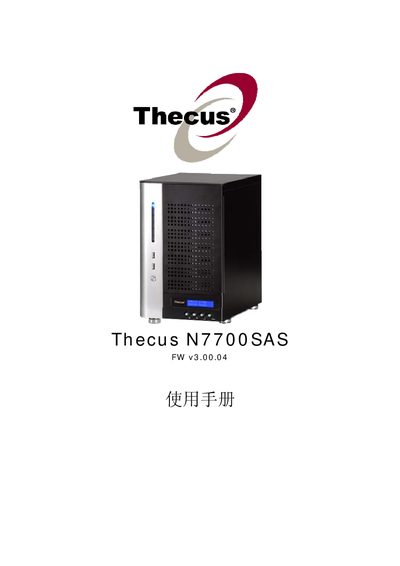
This manual covers the configuration and management of the Thecus N7700SAS network‑attached storage device. It includes detailed steps for setting up RAID arrays, iSCSI volumes, and various network services such as SMB/CIFS, NFS, FTP, and iTunes integration.
Additional sections describe system utilities like Snapshots, Nsync target configuration, and hardware specifications. The document is intended for administrators who need to install, maintain, and troubleshoot the device’s firmware version 3.00.04.
| Power Input | 100V ~ 240V, 50/60 Hz, 3 A |
|---|
Select the Create a RAID option in the RAID menu (shown as "Create a RAID (#37 RAID)") and follow the on‑screen prompts.
Use the Nsync configuration menu and choose the option to designate the N7700SAS as an Nsync Target (shown as "Designating N7700SAS as an Nsync Target (#8 N7700SAS)").