
Key facts
- Brand
- Thecus
- Model
- N3200PRO
- Documents
- 4
- Languages
- ZH · EN
- Last added
- 2012-01-29
Start here
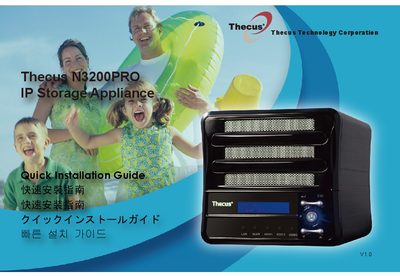
Thecus N3200PRO IP Storage Appliance Quick Installation Guide
This guide provides step‑by‑step instructions for setting up the Thecus N3200PRO IP Storage Appliance. It covers hard‑disk installation, network cable connection, powering on the unit, and launching the web‑based user interface.
After the device boots, the default IP address (192.168.1.100) and default administrator credentials (admin/admin) let you log in and run the Setup Wizard to name the system, configure network settings (fixed IP or DHCP), and finish the initial configuration. For advanced settings, refer to the full user manual on the supplied CD or visit the Thecus website. This manual is written in Chinese.
All Thecus N3200PRO documents by type
Day-to-day operation, settings and troubleshooting. Start here if the product is already set up.
The shortest path to a working setup, usually only a few pages.
Questions answered in these manuals
What is the default IP address of the N3200PRO?
The default IP address is 192.168.1.100.
From: Thecus N3200PRO IP Storage Appliance Quick Installation Guide
What are the default administrator login credentials?
The default username and password are both "admin".
From: Thecus N3200PRO IP Storage Appliance Quick Installation Guide
What is the default IP address of the Thecus N3200PRO after it boots up?
The default IP address is 192.168.1.100.
From: Thecus N3200PRO IP Storage Appliance Quick Installation Guide
What are the default administrator username and password?
The default administrator username and password are both admin.
From: Thecus N3200PRO IP Storage Appliance Quick Installation Guide
What is the default IP address and login credentials for the N3200PRO?
The default IP address is 192.168.1.100. The default administrator's username/password is admin/admin.
How do I access the web interface after setup?
Press the “Start Browser” button to access the current N3200PRO administrator Web User Interface.