
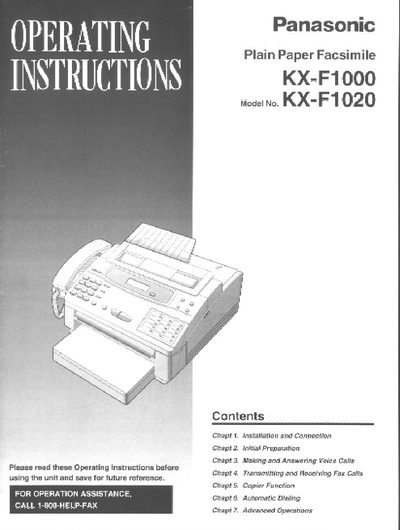
This manual provides step‑by‑step guidance for installing and connecting the Panasonic KX‑F1000/KX‑F1020 fax machine, preparing the unit, and using its fax, voice call, copier, and advanced features. It also includes troubleshooting tips, safety information, and warranty details.
The document explains how to load film cartridges, paper cassettes, and document feeders, configure dialing modes, set date/time, and customize settings such as logo position and transmission options. A service program and one‑year limited warranty are described at the end of the manual.
| Included film length | 30 meters |
|---|---|
| Paper cassette capacity | 250 sheets, 75 g/m² |
| Power supply | 120 V, 60 Hz |
| Telephone line interface | RJ11 |
Open the top cover, press the green “PUSH?” button, lift the head unit, place the cartridge with the BACK indicator up, insert the pins, lower the front, press down until it clicks, then close the cover.
Letter‑size or legal‑size paper can be used; the cassette holds up to 250 sheets of 75 g/m² paper. Avoid coated, textured, or overly cotton‑rich paper.
Set the dialing mode selector to TONE for normal operation; if dialing fails, switch it to PULSE.
Panasonic provides a one‑year limited warranty; call 1‑800‑HELP‑FAX for support, and eligible units can be repaired or replaced under the Fax Advantage Program.