
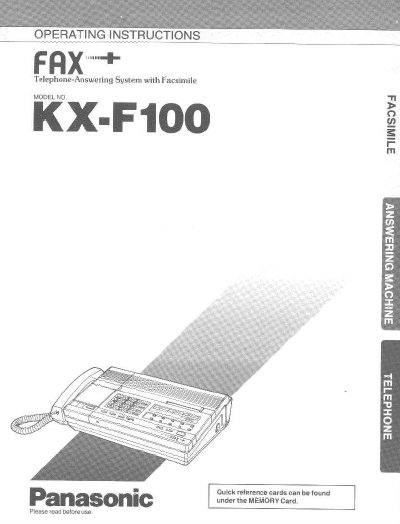
This manual provides operating instructions for the Panasonic X-F100, a multi-function system that utilizes a single telephone line to function as an answering machine, facsimile (FAX), and telephone. The device features automatic switching between voice messages and document reception based on caller input.
The guide covers system setup, including programming 14 user functions such as remote ID and transmission speed. It details the operation of the integrated telephone system with hands-free speakerphone capabilities, one-touch dialing for up to 30 digits, and automatic redialing. Users can also learn how to record outgoing messages (OGM), manage incoming calls via a memory card or tape, and operate the unit remotely using a tone phone.
| Fax Numbers Storage | 10 (30 digits) |
|---|---|
| Document Capacity | Up to five pages at a time |
| Redial Capability | Up to 15 times |
The unit automatically switches based on whether the caller's voice is heard within 5 seconds of the end of the Outgoing Message (OGM).
Dial the phone number and wait until 15 rings before hanging up after hearing the Outgoing Message (OGM).