
Key facts
- Brand
- Panasonic
- Model
- VL-GM301A
- Category
- Other
- Industry
- Appliances
- Documents
- 2
- Languages
- EN
- Last added
- 2012-08-06
Start here
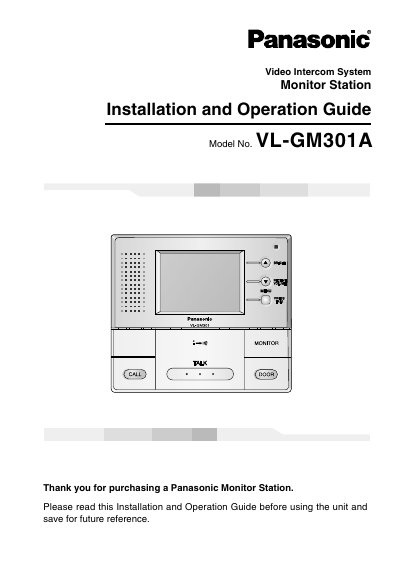
Panasonic VL-GM301A Video Intercom Monitor Station Installation and Operation Guide
The Panasonic VL-GM301A is a central management device for video intercom systems that allows operation of door stations, door openers, and PBXs. This manual provides instructions for installation, including connecting to compatible Panasonic PBXs and setting up the unit on a wall. It also details how to use the monitor station for answering calls, monitoring the outside, and controlling the door opener.
Read onlinePanasonic VL-GM301A specifications
| Product Type | Monitor Station |
|---|---|
| Model Number | VL-GM301A |
| Compatible PBXs | KX-TA308, KX-TA624, KX-TA824, KX-TA1232, KX-TAW848, KX-TD308, KX-TD816, KX-TD1232, KX-TDASO, KX-TDA100, KX-TDA200 |
Source: Panasonic VL-GM301A Video Intercom Monitor Station Installation and Operation Guide
All Panasonic VL-GM301A documents by type
Day-to-day operation, settings and troubleshooting. Start here if the product is already set up.
Questions answered in these manuals
How should the monitor station be positioned for best performance?
Do not place any object within 20 cm (8 inches) of the monitor station to prevent communication errors or malfunction.
From: Panasonic VL-GM301A Video Intercom Monitor Station Installation and Operation Guide
What is the minimum distance required between the monitor station and other objects to prevent communication errors?
Do not place any object within 20 cm (8 inches) of the monitor station.
From: Panasonic VL-GM301A Video Intercom Monitor Station Installation and Operation Guide