
This manual describes the installation and operation of the Panasonic VL-GM301A monitor station.
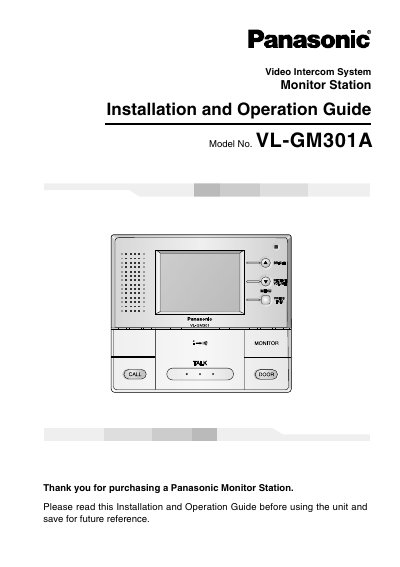
The Panasonic VL-GM301A is a central management device for video intercom systems that allows operation of door stations, door openers, and PBXs. This manual provides instructions for installation, including connecting to compatible Panasonic PBXs and setting up the unit on a wall. It also details how to use the monitor station for answering calls, monitoring the outside, and controlling the door opener.
| Product Type | Monitor Station |
|---|---|
| Model Number | VL-GM301A |
| Compatible PBXs | KX-TA308, KX-TA624, KX-TA824, KX-TA1232, KX-TAW848, KX-TD308, KX-TD816, KX-TD1232, KX-TDASO, KX-TDA100, KX-TDA200 |
Do not place any object within 20 cm (8 inches) of the monitor station to prevent communication errors or malfunction.
Do not place any object within 20 cm (8 inches) of the monitor station.
If a power failure occurs, the unit will not function.
The Monitor Station is a central management device that allows operation of the Door Station, Door Opener, PBX, etc. and controls the entire system.