
Key facts
- Brand
- Panasonic
- Model
- KX-TS710
- Category
- Telephone
- Industry
- Electronics
- Documents
- 2
- Languages
- EN
- Last added
- 2012-08-06
Start here
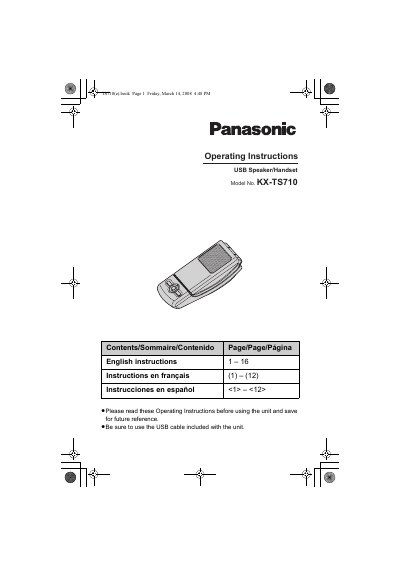
Panasonic KX-TS710 USB Speaker/Handset Operating Instructions
This manual provides operating instructions for the Panasonic KX-TS710 USB Speaker/Handset. The device is designed for use with computers running Microsoft Windows XP/Vista or Mac OS X Panther, requiring a USB 1.1 interface or higher. It features an integrated speaker and receiver that can be switched by opening or closing the top cover.
Read onlineAll Panasonic KX-TS710 documents by type
Day-to-day operation, settings and troubleshooting. Start here if the product is already set up.
Questions answered in these manuals
How do I activate the microphone-mute feature?
Press the [M] button until the status indicator lights up red.
From: Panasonic KX-TS710 USB Speaker/Handset Operating Instructions
What does a flashing red light indicate?
A flashing red light indicates an error; see page 9 for solutions.
From: Panasonic KX-TS710 USB Speaker/Handset Operating Instructions
What does a flashing red status indicator mean?
It indicates an error, and you should refer to the troubleshooting section.
From: Panasonic KX-TS710 USB Speaker/Handset Operating Instructions
How do I switch between speakerphone and receiver modes?
Close the top cover for speakerphone mode and open it for receiver mode.
From: Panasonic KX-TS710 USB Speaker/Handset Operating Instructions