
This is an operating instruction manual that provides installation and usage instructions for the USB Speaker/Handset Model No. KX-TS710. It includes information on features and system requirements.
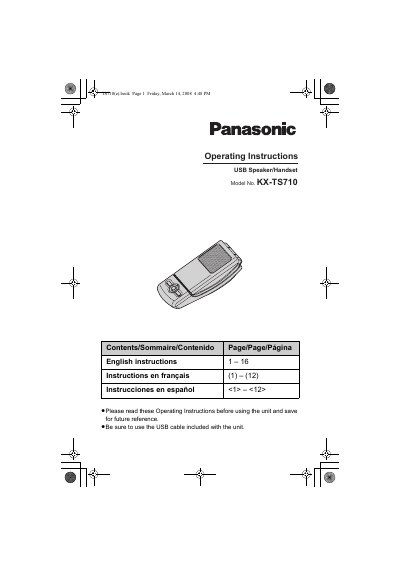
This manual provides operating instructions for the Panasonic KX-TS710 USB Speaker/Handset. The device is designed for use with computers running Microsoft Windows XP/Vista or Mac OS X Panther, requiring a USB 1.1 interface or higher. It features an integrated speaker and receiver that can be switched by opening or closing the top cover.
| Operating System | Microsoft Windows XP, Vista or Mac OS X v10.3.9 Panther |
|---|---|
| Interface Requirement | USB 1.1 or higher |
Press the [M] button until the status indicator lights up red.
A flashing red light indicates an error; see page 9 for solutions.