
User guide for Lenovo ThinkPad X1 Extreme Gen 4 and P1 Gen 4 notebooks, covering setup, features, security, configuration, and support.
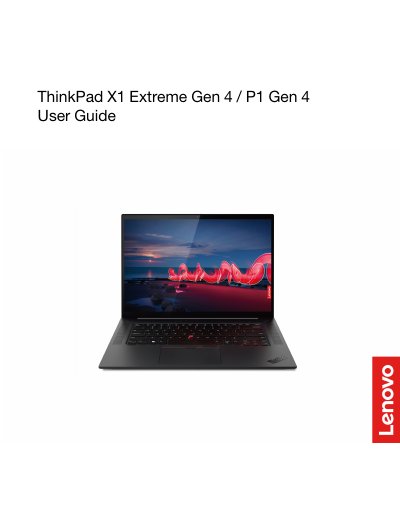
This user guide covers the Lenovo ThinkPad X1 Extreme Gen 4 and P1 Gen 4 notebooks. It describes front, side, and bottom views, features and specifications, USB connectors, and selected-model options.
It also explains network access, keyboard and pointing-device use, Lenovo apps, power management, security settings, UEFI BIOS and RAID configuration, customer-replaceable unit replacement, and support resources.
| Memory | Two slots, DDR4 SODIMM, up to 32 GB each, up to 64 GB total |
|---|---|
| Storage (two slots) | 2280 M.2 solid-state drive, up to 2 TB each, up to 4 TB total |
| Storage (one slot) | 2280 M.2 solid-state drive, up to 2 TB |
| Display ratio | 16:10 |
| Display resolution | 2560 x 1600 pixels or 3840 x 2400 pixels |
| Operating temperature | 5 C to 35 C (41 F to 95 F) |
| Maximum altitude | 3048 m (10 000 ft) |
| USB-C charging output | 5 V and 3 A |
Disconnect the computer from ac power, insert a straightened paper clip into the emergency-reset hole, then connect ac power and turn on the computer.
Go to https://psref.lenovo.com and search by product.
Restart the computer, press F1 at the logo screen to enter the UEFI BIOS menu, then select Config, Display, and Graphic Devices.
It can charge USB-C compatible devices with an output voltage and current of 5 V and 3 A.