
Lenovo ThinkPad T450s user manual covering initial setup, safety information, warranty terms, battery replacement, and worldwide technical support.
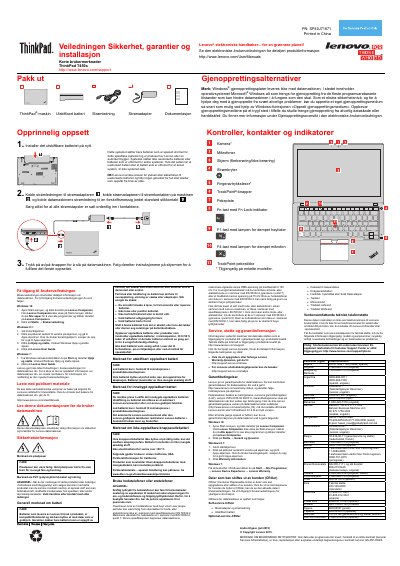
This Lenovo user manual provides setup and safety information for the ThinkPad T450s computer. It covers unpacking, recovery options, initial setup, and accessing the electronic user guide through Lenovo Companion on Windows 7, 8.1, and 10.
The document also includes warranty terms, customer replaceable units (CRUs), battery safety notices, headphone usage warnings, and worldwide technical phone support contact information.
| Headphone maximum output voltage | 150 mV |
|---|---|
| Button cell battery maximum temperature | 100 °C |
| Rechargeable battery storage charge level | 30 to 50 percent |
Open the Start menu, click Lenovo Companion, then click Support → User Guide.
No, replacement must be done by an authorized Lenovo service center or Lenovo-approved technician.
Stop using the battery.