
Key facts
- Brand
- Leica
- Model
- TCS SP5 LAS AF
- Category
- Professional medical equipment
- Documents
- 2
- Languages
- EN
- Last added
- 2023-11-17
Start here
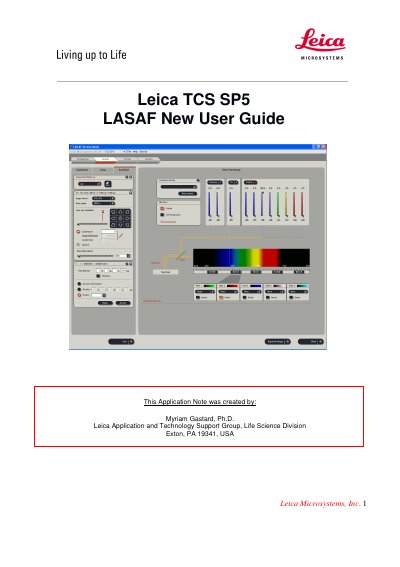
Leica TCS SP5 LASAF New User Guide
This guide walks new users through the basic steps to start the Leica TCS SP5 system, activate lasers, and configure image acquisition settings. It includes instructions for laser activation, beam‑path setup, and gain adjustment to obtain clear fluorescence images.
Additional sections cover advanced functions such as Z‑stack acquisition, 3‑D projection creation, and movie generation, helping users to capture and visualize volumetric data from their samples.
Leica TCS SP5 LAS AF specifications
| Default image format | 512×512 pixels |
|---|---|
| Default scanning speed | 400 Hz |
| Argon laser lines | 488 nm, 568 nm |
| Alternative laser line | 543 nm |
| Z-stack step options | System optimized or user-defined number of steps |
| 3D projection methods | Maximum, Average |
Source: Leica TCS SP5 LAS AF Laser Scanning Confocal Microscope New User Guide
All Leica TCS SP5 LAS AF documents by type
How to use the product for one specific task, with worked examples.
Day-to-day operation, settings and troubleshooting. Start here if the product is already set up.
Questions answered in these manuals
How do I turn on the SP5 system?
Turn on the laser, scan, and computer/Mic buttons on the console.
From: Leica TCS SP5 LAS AF Laser Scanning Confocal Microscope New User Guide
How do I activate specific lasers in LAS AF?
In the Configuration tab, click Laser and check the boxes for the lasers needed for your experiment.
From: Leica TCS SP5 LAS AF Laser Scanning Confocal Microscope New User Guide