
Key facts
- Brand
- Leica
- Model
- SP5
- Industry
- Industrial
- Documents
- 4
- Languages
- EN
- Last added
- 2012-05-10
Start here
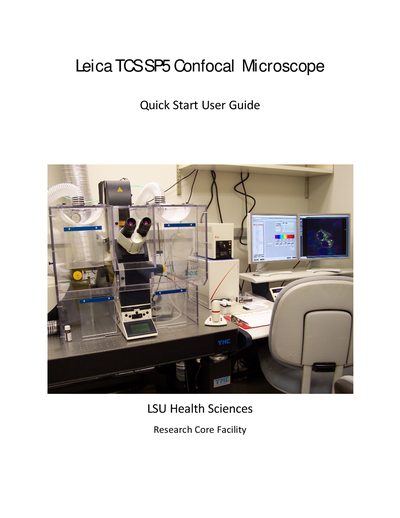
Leica TCS SP5 Confocal Microscope Quick Start Guide
This guide provides step‑by‑step instructions for starting up the Leica TCS SP5 confocal microscope, selecting objectives, turning on lasers, and configuring acquisition settings. It also includes safety reminders, sample mounting tips, and detailed instructions for Z‑stack and time‑course imaging.
The document finishes with shutdown procedures and a brief specifications summary, listing the system’s lasers, objectives, operating system, and environmental chamber features.
Leica SP5 specifications
| Laser line wavelength | 488 nm |
|---|---|
| Laser intensity (example setting) | 20 % |
| Optimal pixel size for 63× oil objective (NA 1.4) | 60 nm |
| Typical image frame size | 512 × 512 pixels |
Source: Leica SP5 Operating Manual
All Leica SP5 documents by type
Day-to-day operation, settings and troubleshooting. Start here if the product is already set up.
The shortest path to a working setup, usually only a few pages.
Questions answered in these manuals
How do I turn on the Leica DMI 6000 microscope?
Turn on the fluorescence lamp, switch on the three panel switches, turn on the laser key, and log in to the computer.
What should I check if no signal appears on the screen?
Verify that the lasers are turned on, the detector is selected, and the gain is set above zero (typically 700–1000 V).
How do I start up the Leica TCS SP5 system?
Turn on the mercury lamp power source, then the scanner power, then the laser power, and log in with your user ID and password.
What is the proper shutdown sequence for the microscope?
Save images, shut down the computer, turn off the mercury lamp power supply, turn the laser key counter‑clockwise, switch off scanner power, then switch off the PC/Microscope button and finally the laser power button after a 5‑minute wait.