
The Leica TCS SP5 LASAF is a laser scanning confocal microscope with the following features: 1. High resolution: resolution up to 100 nanometers. 2. High sensitivity: sensitivity up to 1000 times. 3. High speed: scanning speed up to 1000 frames/second. 4. High stability: stability up to 0.01%. 5. High reliability: reliability up to 99.9%.
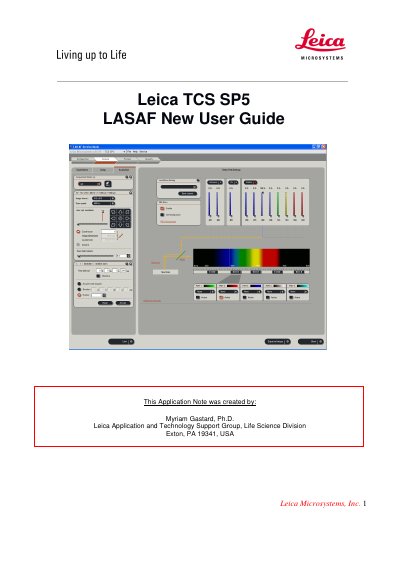
The document is a New User Guide created by Leica's Application and Technology Support Group to help beginners operate the TCS SP5 LAS AF laser scanning confocal microscope. It walks through the essential steps from powering on the system and activating lasers to configuring acquisition parameters and processing 3D data.
Key procedures include activating laser lines via the Configuration tab, setting up image acquisition with default 512×512 pixel format at 400 Hz, adjusting beam path settings such as laser intensity (AOTF%) and PMT detection windows, optimizing gain and offset using Smart Gain and QLUT, acquiring Z-stacks with system-optimized step sizes, and generating 3D projections or animated movies from the acquired series.
| Default image format | 512×512 pixels |
|---|---|
| Default scanning speed | 400 Hz |
| Argon laser lines | 488 nm, 568 nm |
| Alternative laser line | 543 nm |
| Z-stack step options | System optimized or user-defined number of steps |
| 3D projection methods | Maximum, Average |
Turn on the laser, scan, and computer/Mic buttons on the console.
In the Configuration tab, click Laser and check the boxes for the lasers needed for your experiment.
The default image format is 512x512 pixels and the scanning speed is 400 Hz.
Select xyz scan mode, go to Live mode, set the begin and end Z positions using the z-position knob and the Begin/End arrowheads, choose the number of z-steps or use system optimized, then click Start.