
LC-X70 Multimedia Projector User Manual, introduces the projector's safety precautions, operating instructions, troubleshooting, etc.
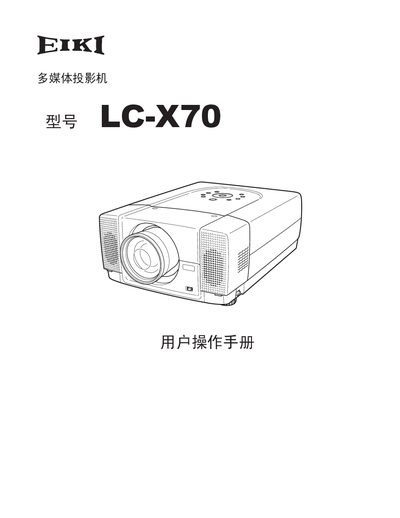
This user manual covers safety precautions, installation requirements and the main features of the LC‑X70 projector. It explains how to place the unit, connect power and video sources, and use the remote control, laser pointer and menu system.
The guide also details routine maintenance, lamp replacement, troubleshooting steps and full technical specifications such as resolution, lamp power, dimensions and supported input signals. This manual is written in Chinese.
| Native resolution | 1024×768 |
|---|---|
| Lamp power | 300 W |
| Input voltage | AC 100‑120 V (5 A) or 200‑240 V (2.5 A) |
| Weight | 21.0 lb (9.5 kg) |
| Dimensions | 12.6" × 6.7" × 18.5" (319 mm × 171 mm × 470 mm) |
Leave adequate space around the top, sides and back of the chassis for ventilation; maintain the minimum clearance distances indicated in the safety section.
Unplug the AC power cord and use a damp cloth; do not use liquid or spray cleaners.