
Dell™ Photo All-In-One Printer 924 Owner's Manual
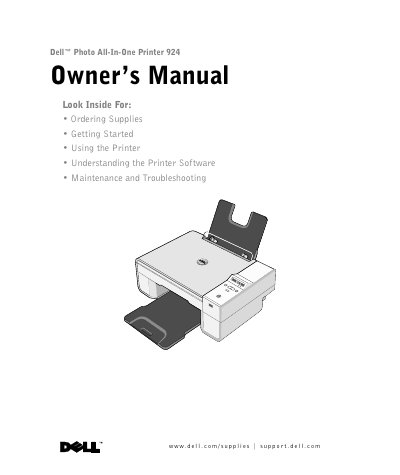
This document serves as the Owner's Manual for the Dell Photo All-In-One Printer 924. It provides comprehensive instructions on ordering supplies, such as standard and high-capacity ink cartridges, and includes contact information for various regions. The guide details the setup process, including setting the language and loading paper, as well as operating the printer for printing, copying, scanning, and faxing.
| Product Type | Photo All-In-One Printer |
|---|
You can order ink online at www.dell.com/supplies or by phone using the regional numbers listed in the manual.
The standard capacity black ink cartridge is J5566, and the standard capacity color ink cartridge is J5567.
Instructions for replacing ink cartridges are found in the 'Ink Cartridge Maintenance' section of this manual.