
Dell PowerVault LTO4-120HH Tape Drive User's Guide

Dell TM PowerVault TM LTO4-120HH Tape Drive User's Guide
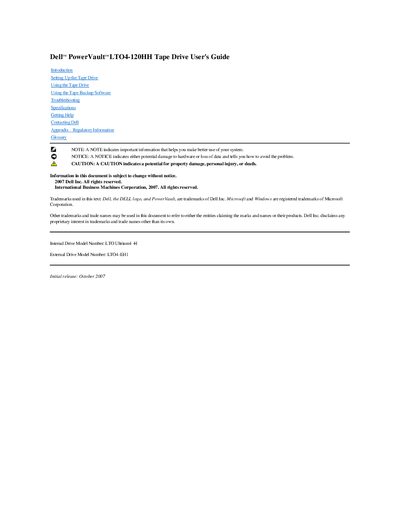

Dell PowerVault LTO4-120HH Tape Drive User's Guide - cover page
Brand
DELL
Category
Storage devices
Document type
User Manual
Language
English
Pages
49
File format
PDF
File size
927 KB
Published
20 November, 2023
Updated
20 November, 2023
MD5 checksum
E4E628C4CF01B994DFE35356DA16F363

About this manual

Dell PowerVault LTO4-120HH Tape Drive User's Guide is a user manual for the Dell PowerVault LTO4-120HH tape drive. Its contents include introduction, setup, using the drive, using tape backup software, troubleshooting, specifications, getting help, contacting Dell, regulatory information, and a glossary.

The guide identifies the internal drive model number as LTO Ultrium4-H and the external drive model number as LTO4-EH1. It also includes Dell contact information and regulatory information.

What's inside

  • Introduction
  • Setting Up the Tape Drive
  • Using the Tape Drive
  • Using the Tape Backup Software
  • Troubleshooting
  • Specifications
  • Getting Help
  • Contacting Dell
  • Appendix - Regulatory Information
  • Glossary

Specifications

Internal drive model numberLTO Ultrium4-H
External drive model numberLTO4-EH1

Frequently asked questions

What is the internal drive model number?

The internal drive model number is LTO Ultrium4-H.

What is the external drive model number?

The external drive model number is LTO4-EH1.

Download PDF (927 KB)

More DELL Manuals


View all DELL manuals →