
Key facts
Start here
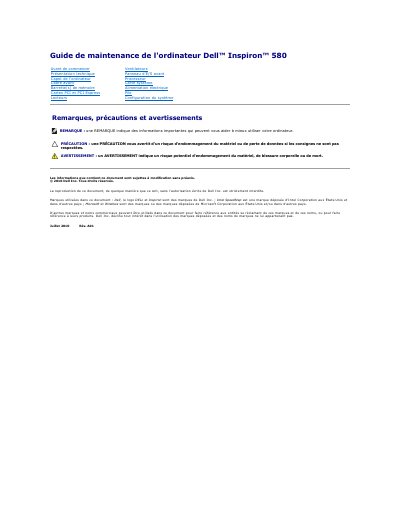
Dell Inspiron 580 Computer Maintenance Guide
This French-language maintenance guide is for the Dell Inspiron 580 computer. It lists recommended tools, power-off steps, safety precautions, and procedures for removing and reinstalling components.
Covered procedures include the computer cover, front bezel, memory modules, PCI and PCI Express cards, drives, fans, processor, and system board. Full technical specifications are referenced on Dell's support website. This manual is written in French.
All Dell Inspiron 580 documents by type
Disassembly, diagnostics and part numbers, for repair.
Questions answered in these manuals
What tools are required for the procedures in this guide?
The procedures require a small Phillips screwdriver, a small flat-blade screwdriver, and the BIOS update program available from support.dell.com.
Where can full technical specifications be found?
Full technical specifications are available in the comprehensive specifications on support.dell.com/manuals.
How do I shut down the Dell Inspiron 580 before service?
Save and close all open files, exit all open programs, shut down the computer through Windows, and hold the power button if it does not turn off automatically.
What tools are recommended for servicing the Dell Inspiron 580?
The procedures may require a small Phillips screwdriver, a small flat-blade screwdriver, and the BIOS update executable available from support.dell.com.
What tools are required to perform the procedures in this manual?
The procedures may require a small Phillips screwdriver, a small flat-blade screwdriver, and a BIOS executable update program.
How should a PCI Express x16 card be removed from its connector?
To remove a PCI Express x16 card, you must press the retention mechanism, grasp the card by its top corners, and then ease it out of the connector.