
The Dell B2360d-dn Laser Printer User's Guide describes the features and functions of the printer.
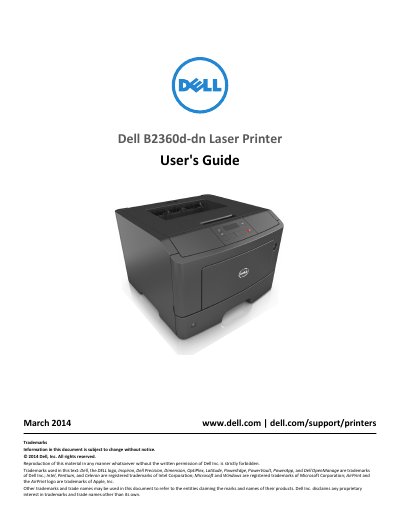
This document serves as the official User's Guide for the Dell B2360d-dn Laser Printer. It covers essential topics such as safety information, initial setup, selecting a proper location, and configuring printer settings via the control panel or Embedded Web Server. The guide also details how to load paper and specialty media, manage print jobs, and use the printer on a network.
| Ambient temperature | 16 to 32°C (60 to 90°F) |
|---|---|
| Storage temperature | -20 to 40°C (-4 to 104°F) |
| Front clearance | 510 mm (20 in.) |
| Rear clearance | 200 mm (8 in.) |
You can find the latest supplemental information, updates, and technical support on the Dell support Web site at www.dell.com/support/printers.
You should have the Service tag and Express service Code ready, as they appear on labels located on your printer.