
This guide covers installation, web-based configuration, and troubleshooting for the Cisco RV260W router.
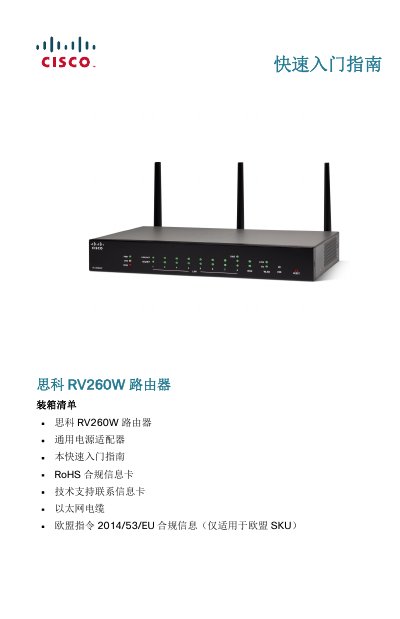
The Cisco RV260W is an 8-port wireless router designed for small business networks. It supports IPv6 firewalls and features a user-friendly setup wizard to simplify initial configuration via wired or wireless connections.
This document provides instructions on unpacking the device, mounting it on a wall or desktop, connecting power and network cables, and accessing the web-based management interface using default credentials. This manual is written in Chinese.
| Wireless Ports | 8-port wireless router |
|---|---|
| Security Feature | IPv6 firewall support |
| Power Input | 12VDC, 2.5A |
| Default IP Address | 192.168.1.1 |
The default username is 'cisco' and the default password is also 'cisco'.
Press and hold the RESET button for more than 10 seconds.
The default wireless network name (SSID) is 'CiscoSB-Setup'.