
Key facts
- Brand
- Behringer
- Model
- X1222USB
- Category
- Other
- Industry
- Electronics
- Documents
- 2
- Languages
- EN · ZH
- Last added
- 2023-11-16
Start here
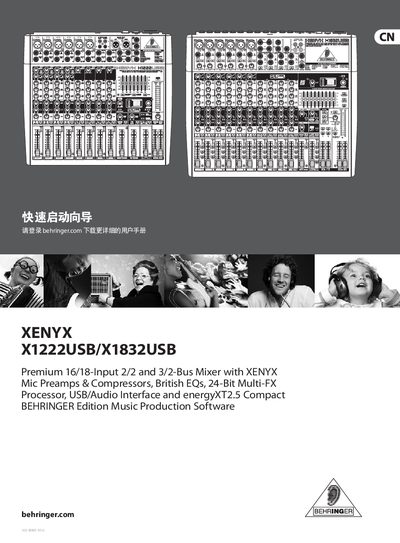
Behringer X1222USB/X1832USB Mixer Quick Startup Guide
The guide provides step‑by‑step instructions for connecting the X1222USB/X1832USB mixer to audio sources, power, and USB, and explains the basic control layout such as Gain, EQ, Compression, and FX knobs. It also includes preset settings for the built‑in multi‑FX processor and tips for using phantom power and monitor outputs.
Additional sections cover safety warnings, warranty terms, online registration, and recommended accessories. The document is intended for users who need a fast start to operating the mixer in studio or live‑sound environments. This manual is written in Chinese.
Behringer X1222USB specifications
| Mic Input Impedance | 10 kΩ |
|---|---|
| Line Input Impedance | 120 Ω (balanced) |
| Maximum Input Level | +22 dBu |
| Maximum Output Level | +22 dBu |
| Equalizer | 3‑band |
| Phones Output Level | -134 dB |
All Behringer X1222USB documents by type
Day-to-day operation, settings and troubleshooting. Start here if the product is already set up.
The shortest path to a working setup, usually only a few pages.
Questions answered in these manuals
What kind of equalizer does the mixer feature?
The mixer includes a 3‑band graphic equalizer.
How do I power on the X1222USB/X1832USB mixer?
Connect the power cord to a mains outlet and flip the POWER ON switch to turn the mixer on.
How can I enable phantom power for condenser microphones?
Turn the PHANTOM ON switch on; it supplies 48 V to the XLR inputs for condenser mics.