
This document describes the features and characteristics of Behringer XENYX X1222USB/X1832USB audio mixers, including XENYX Mic Preamps & Compressors, British EQs, 24-Bit Multi-FX Processor, USB/Audio Interface, and energyXT2.5 Compact BEHRINGER Edition Music Production Software.
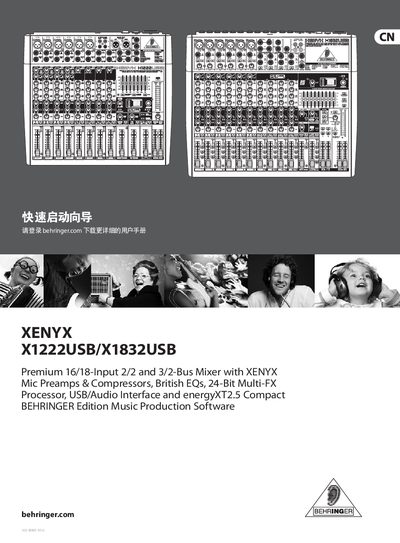
The guide provides step‑by‑step instructions for connecting the X1222USB/X1832USB mixer to audio sources, power, and USB, and explains the basic control layout such as Gain, EQ, Compression, and FX knobs. It also includes preset settings for the built‑in multi‑FX processor and tips for using phantom power and monitor outputs.
Additional sections cover safety warnings, warranty terms, online registration, and recommended accessories. The document is intended for users who need a fast start to operating the mixer in studio or live‑sound environments. This manual is written in Chinese.
| Power supply voltage | 100‑240 V, 50/60 Hz |
|---|---|
| Power consumption | 40 W |
| Dimensions (HxWxD) | 3.54 × 14.57 × 13 in |
| Weight | 8.16 lb |
| Mic input impedance | 2.6 kΩ balanced |
| Mic input gain range | +10 dB to +60 dB |
Connect the power cord to a mains outlet and flip the POWER ON switch to turn the mixer on.
Turn the PHANTOM ON switch on; it supplies 48 V to the XLR inputs for condenser mics.
Mechanical and electronic parts are covered for one year from the date of purchase, unless local law requires a longer period.
Visit the Behringer website, go to the Support section, and complete the online registration form.