
Key facts
- Brand
- Behringer
- Model
- UFO202
- Category
- Other Electronics
- Industry
- Appliances
- Documents
- 3
- Languages
- EN
- Last added
- 2023-10-13
Start here
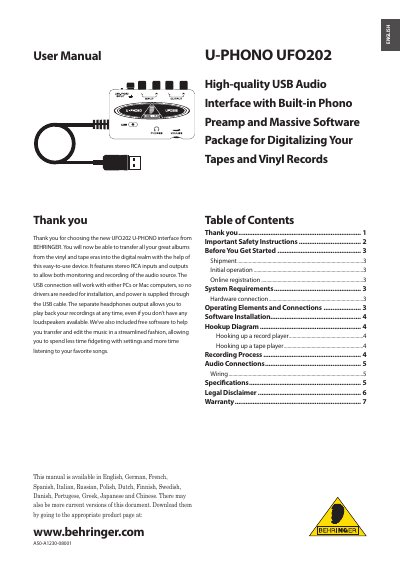
Behringer UFO202 High-quality USB Audio Interface User Manual
This manual provides instructions for the Behringer UFO202, a USB audio interface designed for digitizing vinyl records and tapes. It features stereo RCA inputs and outputs, a built-in phono preamp, and a headphone output. The device is powered via USB and requires no drivers for installation on PCs or Macs.
Read onlineBehringer UFO202 specifications
| CPU Requirement (PC) | Intel or AMD CPU, 400 MHz or higher |
|---|---|
| RAM Requirement | Minimum 128 MB RAM |
| USB Interface | USB 1.1 interface |
| Operating System (PC) | Windows XP 2000 |
| Operating System (Mac) | Mac OS 9.0.4 or higher, 10.X or higher |
| Phono Input Support | Moving magnet cartridges only |
All Behringer UFO202 documents by type
Day-to-day operation, settings and troubleshooting. Start here if the product is already set up.
Questions answered in these manuals
Does the UFO202 require drivers or installation?
No, the device requires no special setup or drivers; just plug it into a free USB port on a PC or Mac computer.
How do I connect a record player?
Move the LINE/PHONO switch to PHONO, connect the record player outputs to the RCA inputs, and attach the ground cable if available.
Does the UFO202 require drivers?
No, the UFO202 works with PCs or Mac computers without needing drivers for installation.
From: Behringer UFO202 High-quality USB Audio Interface User Manual
What type of cartridges does the PHONO input support?
The PHONO inputs only support moving magnet cartridges.
From: Behringer UFO202 High-quality USB Audio Interface User Manual