
Key facts
- Brand
- Behringer
- Model
- UCG102
- Category
- Other Electronics
- Industry
- Electronics
- Documents
- 2
- Languages
- ZH · EN
- Last added
- 2026-10-22
Start here
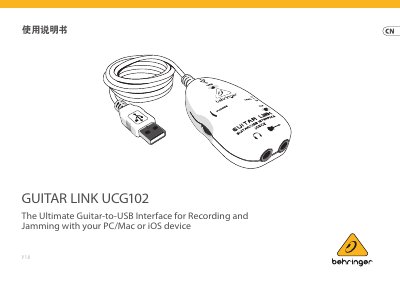
Behringer UCG102 Guitar-to-USB Interface User Manual
The Behringer UCG102 is an Ultimate Guitar-to-USB Interface designed for recording and jamming with computers or iOS devices. It features built-in analog amplification and effects pedals software, allowing users to play along with MP3, WAV, and AIFF music files on Mac or PC. This manual is written in Chinese.
Read onlineBehringer UCG102 specifications
| Input Impedance (High) | 250 kOhm |
|---|---|
| Input Impedance (Low) | 400 kOhm |
| Output Impedance | Approximately 50Ω |
| USB Connector Type | Type A |
| Digital Converter Bit Depth | 16-bit |
| Sampling Rate | 32.0 / 44.1 / 48 kHz |
| Power Supply | USB Connection, 5 V, Max 100 mA |
Source: Behringer UCG102 Guitar-to-USB Interface User Manual
All Behringer UCG102 documents by type
Day-to-day operation, settings and troubleshooting. Start here if the product is already set up.
Mounting, wiring and first power-up. Read it before the hardware goes in.
Questions answered in these manuals
What is the maximum sampling rate supported by the UCG102?
The device supports sampling rates of 32.0, 44.1, and 48 kHz.
Does the UCG102 require an external power adapter?
No, it is powered via USB connection from a compatible device.
What are the minimum CPU requirements for the UCG102 software?
A Pentium 700 MHz processor or a G4 733 MHz processor is required.
How do I access the ASIO driver after installing the software?
Open the “ASIO‑USB Control Panel” that is installed with the software.