
Technical guide for installing, configuring, and troubleshooting the Yaskawa V1000 Option SI-N3/V DeviceNet communication module.
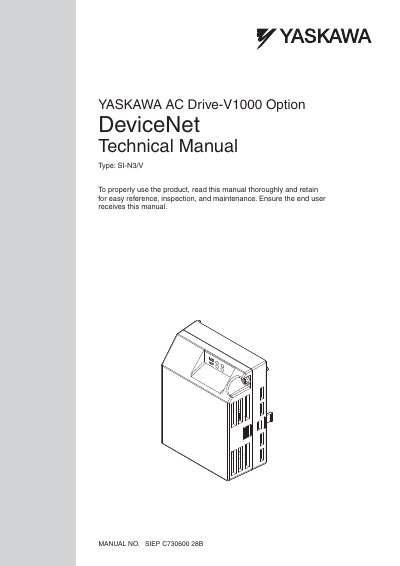
This manual provides detailed instructions for installing, configuring, and troubleshooting the DeviceNet communication option for the Yaskawa AC Drive-V1000. It covers components, wiring, parameter settings, and fault diagnosis. The option enables integration with DeviceNet networks for data exchange and remote control. Safety precautions and installation guidelines are included to ensure proper operation and prevent damage.
The manual is intended for technicians and engineers who need to configure the DeviceNet option with compatible Yaskawa drive models. It includes diagrams, component descriptions, and troubleshooting steps. Safety warnings are highlighted to prevent injury or equipment damage during installation or operation.
| Option Type | DeviceNet |
|---|---|
| Dimensions Added | 27 mm (1.06 in.) |
It provides a communications connection between the drive and an ODV A DeviceNet network, enabling data exchange and remote control.
It provides a communications connection between the drive and an ODV A DeviceNet network.
It adds 27 mm (1.06 in.) to the total depth of the drive.