
This manual provides operating instructions for the Tyco MX 850 Engineering Management Tool, covering setup, menu navigation, and device programming.
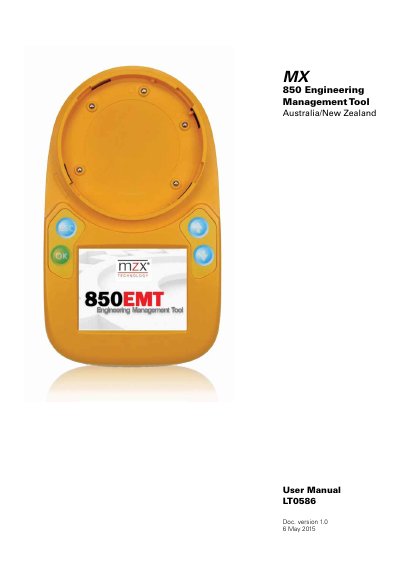
The Tyco MX 850 Engineering Management Tool is a portable service tool designed for the installation, commissioning, diagnostics, and servicing of Tyco MX detection systems. It features a backlit colour LCD display, touch screen interface, and built-in stylus to allow engineers to interrogate, test, and program addressable devices remotely via infrared (IR) or physical connections.
| Display Resolution | 320 x 240 pixels |
|---|---|
| Display Colors | 262k colours |
| Battery Type | 6 AA NiMH batteries |
| USB Standard | USB 2.0 |
The default PIN to log on to the tool is 7240.
The default PIN to enter is 7240.
The unit is powered by 6 AA NiMH batteries.
The batteries must be fully charged for 4 hours before use.