
This document is the user guide of 1739L 17 inch LCD rear mount touch monitor, which introduces the use method of touch monitor.
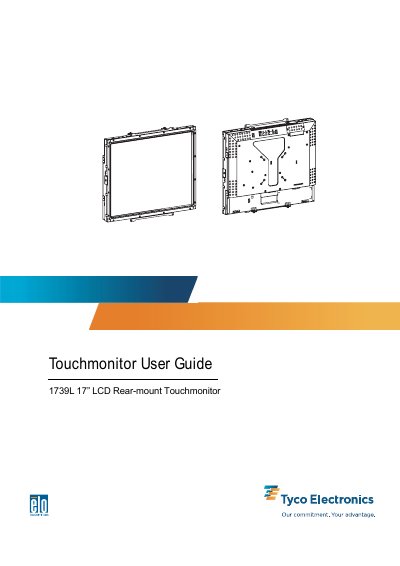
The 1739L is a 17" SXGA TFT LCD rear‑mount touchmonitor that combines a high‑contrast display with IntelliTouch, CarrollTouch, Surface Capacitive, SecureTouch and AccuTouch technologies. It offers Plug‑and‑Play compatibility, on‑screen display controls, and a range of input resolutions up to 1280 × 1024.
The guide covers unpacking, cable connections, power‑up, driver installation for serial and USB interfaces, detailed operation of OSD menus, adjustment controls, technical specifications, safety information, and troubleshooting of common issues.
| Display size | 338 mm × 270 mm |
|---|---|
| Maximum resolution | SXGA 1280 × 1024 at 75 Hz |
| Contrast ratio | 1000 : 1 (typical) |
| Brightness (no touchscreen) | 300 cd/m² typical |
| Response time | Tr 3.5 ms, Tf 3.7 ms (typ.) |
| Input signal | Video R.G.B. Analog 0.7 Vp‑p, 75 Ω |
| Dimensions (HxWxD) | 306 mm × 368 mm × 49 mm |
| Weight (net) | 4.2 kg |
| Operating temperature | 0 °C ~ 40 °C |
| Certifications | UL, C‑UL, FCC‑B, CE, VCCI, C‑Tick, MPRII, TUV T Mark |
Connect one end of the power adapter to the monitor and the other end to the power cord connector.
Drivers are provided on the enclosed CD‑ROM for Windows XP, 2000, Me, 98, 95 and NT 4.0, and can also be downloaded from the Elo TouchSystems website.
The monitor supports a maximum resolution of SXGA 1280 × 1024 at 75 Hz.
Follow all warnings, precautions and maintenance as recommended in Appendix B, including grounding the cables and avoiding exposure to liquids.