
This manual covers setup, operation, media loading, maintenance, and troubleshooting for the Toshiba B-FV4D thermal printer series.
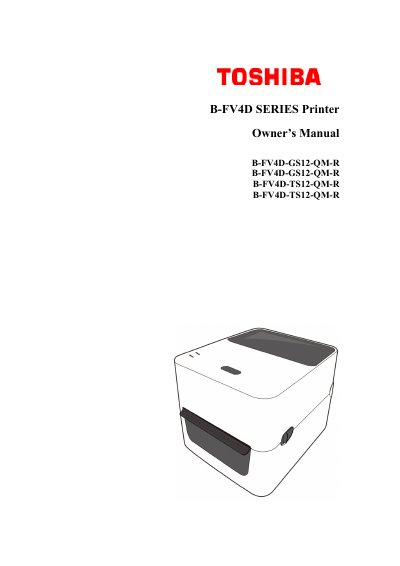
This Owner's Manual provides instructions for setting up and operating the Toshiba B-FV4D Series thermal printers. It details features such as various connectivity options (USB, Ethernet, RS-232C, Centronics, Bluetooth) and high print resolutions of 203 dpi for GS models and 300 dpi for TS models. The guide explains how to attach power, turn the device on and off, and load different media types including labels, tags, roll paper, and fanfold paper.
| Print Resolution | 203 dpi (GS models), 300 dpi (TS models) |
|---|---|
| Print Speed | Max 6 inches/sec (GS), 4 inches/sec (TS) |
| Connectivity | USB, Ethernet, RS-232C, Centronics, Bluetooth |
| Standard Memory (Flash ROM) | 16 MB |
| User Memory | 3 MB |
| Standard Memory (SDRAM) | 32 MB |
| Max External USB Memory | 16 GB |
| Max Printable Area | Length 999 mm x Width 108 mm |
The print resolution for GS models is 203 dpi.
The maximum print speed for TS models is 4 inches per second.
Yes, the printer supports a wireless connection via Bluetooth.