
This manual provides overview, installation, operation, maintenance and troubleshooting for the Toshiba B-852-TS22-CN barcode printer.
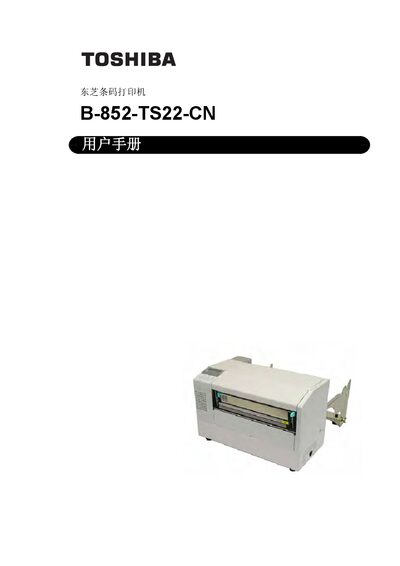
The manual introduces the Toshiba B-852-TS22-CN barcode printer, highlighting features such as an 8.3‑inch wide print head, 300 dpi (11.8 dots/mm) resolution, and selectable print speeds up to 101.6 mm/s (4 in/s).
It covers safety warnings, unpacking, hardware installation, power and data‑cable connections, network and serial interface configuration, operation modes, routine maintenance, troubleshooting procedures, and detailed technical specifications. This manual is written in Chinese.
| Print head width | 8.3 inches |
|---|---|
| Resolution | 300 dpi (11.8 dots/mm) |
| Print speed | 50.8 mm/s (2 in/s) or 101.6 mm/s (4 in/s) |
| Typical label size | 15.2 mm × 7.1 mm |
Turn off the printer, unplug the power cord, and if a fault persists contact an authorized Toshiba Tec dealer.
Connect the power cable to the printer’s power inlet as described in the installation section.
Press the PAUSE key to open the Parameter Set menu, use the FEED or RESTART keys to select the desired character code, then confirm with PAUSE.