
Owner's manual for the Toshiba B-EV4T Series barcode printer, covering setup, media and ribbon loading, maintenance, troubleshooting, and specifications.
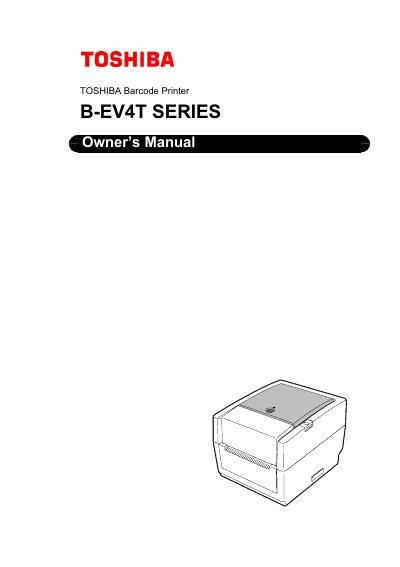
The Toshiba B-EV4T Series Barcode Printer Owner’s Manual is a 47-page document identified by document number EO1-33087. It begins with safety summaries and a table of contents covering product overview, printer setup, maintenance, troubleshooting, and appendices.
The setup section covers turning the printer on and off, connecting cables and the power adapter, opening and closing the top cover, loading media and ribbon, media sensor calibration, self print test, dump mode, and using an SD card. Maintenance covers cleaning the print head, platen/sensors, cover, media housing, and optional strip sensor/strip roller; troubleshooting covers the troubleshooting guide, status lamp, and removing jammed media. Appendices cover specifications and interface.
| AC adapter | EA10953, for exclusive use with the B-EV4T Series |
|---|
Use the EA10953 AC adapter; it is specified for exclusive use with the B-EV4T Series printer.
Contact an authorised TOSHIBA TEC representative once a year to have the inside of the machine cleaned.
Turn off the power switches, disconnect the power cord plugs from the outlet, and contact an authorised TOSHIBA TEC representative.
Do not use thinner or any other volatile solvent on the plastic covers.