
TOSHIBA B-EV4D-GS24 Label Printer Cleaning Guide

Official cleaning instructions for the TOSHIBA B-EV4D-GS24 label printer, detailing procedures for the print head, cutter block, and media housing.
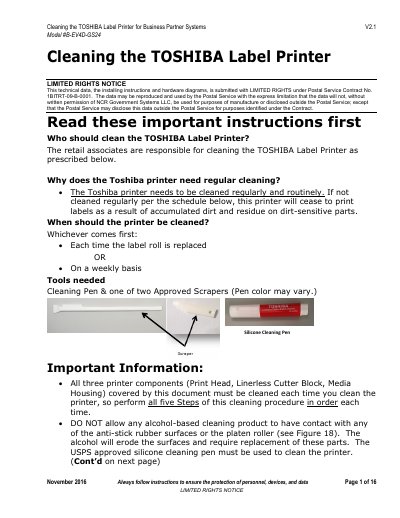

TOSHIBA B-EV4D-GS24 Label Printer Cleaning Guide - cover page
Brand
Toshiba
Category
Printer
Document type
User Manual
Language
English
Pages
16
File format
PDF
File size
964 KB
Published
17 October, 2026
Updated
17 October, 2026
MD5 checksum
B9995288E918773141785C4C24AFF9BA

About this manual

This guide provides step-by-step maintenance instructions specifically for the TOSHIBA Label Printer Model #B-EV4D-GS24 used in Business Partner Systems V2.1. It outlines a routine cleaning schedule based on label roll replacement or weekly intervals to prevent printing issues caused by accumulated dirt and residue.

What's inside

  • Tools needed
  • When should the printer be cleaned
  • Step 1 — Power OFF the TOSHIBA Label Printer
  • Step 2 — Cleaning the Print Head
  • Step 3 — Clean the Linerless Cutter Block
  • Important Information regarding alcohol-based cleaners

Frequently asked questions

Who is responsible for cleaning the printer?

The retail associates are responsible for cleaning the TOSHIBA Label Printer as prescribed in this document.

When should the printer be cleaned?

The printer must be cleaned either each time a label roll is replaced or on a weekly basis, whichever comes first.

What tools are required for cleaning?

Cleaning requires a Silicone Cleaning Pen and one of two USPS approved plastic scrapers.

Download PDF (964 KB)

More Toshiba Manuals


View all Toshiba manuals →