
This user manual provides instructions for the SATO MB200 thermal barcode printer, covering safety, setup, operation, and maintenance.
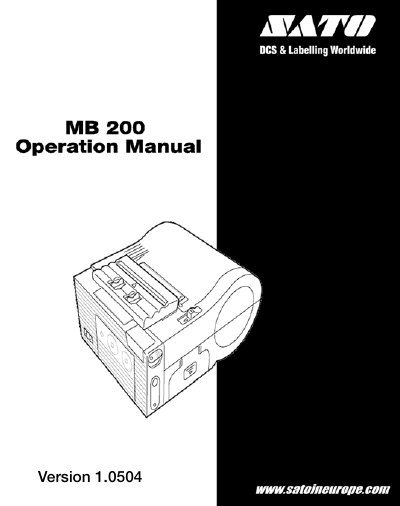
The SATO MB200 is a compact and lightweight portable barcode printer designed to print barcodes clearly on various types of thermal paper. It features excellent printing performance with the ability to enlarge fonts and create free layouts, making it suitable for diverse applications.
This manual guides users through essential procedures including unpacking, charging the battery pack, loading labels in continuous or dispense modes, turning the power on/off, and performing test prints. It also covers troubleshooting common issues and daily maintenance tasks to ensure the printer's longevity.
The printer has a maximum printing speed of 62.5mm/sec.
A fully charged battery can print 2 rolls of thermal labels (26m) in Continuous mode.
The maximum outer diameter for the rolled paper is 58mm.