
Quick start guide for installing and starting up the Rosemount 8732E M EtherNet/IP Module.
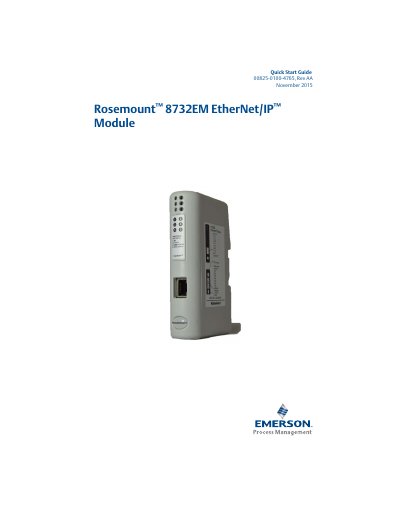
The Rosemount 8732E M EtherNet/IP Module Quick Start Guide covers installation components, mounting, wiring, dip switch settings, LED indicators, and network configuration for the module.
It also describes the module as a gateway between the serial output of a Rosemount device and an Ethernet network, and refers to the 8732EM EtherNet/IP Module User Manual for more detailed instructions.
| Max ambient temperature | 55 °C (for Hazloc environments) |
|---|---|
| Field wiring terminal markings | wire type [Cu only, 14-30 AWG] |
| Wire type | 60/75 or 75 °C copper (Cu) wire only |
| Terminal tightening torque | 5-7 lb-in. (0.5 - 0.8 Nm) |
| Use environment | overvoltage category 1 pollution degree 2 |
The default password is admin.
The IP address is set to 192.168.0.1.
It indicates the module is running.