
Key facts
- Brand
- Rosemount
- Model
- 8732E M
- Category
- Other network devices
- Industry
- Industrial
- Documents
- 2
- Languages
- EN
- Last added
- 2026-11-15
Start here
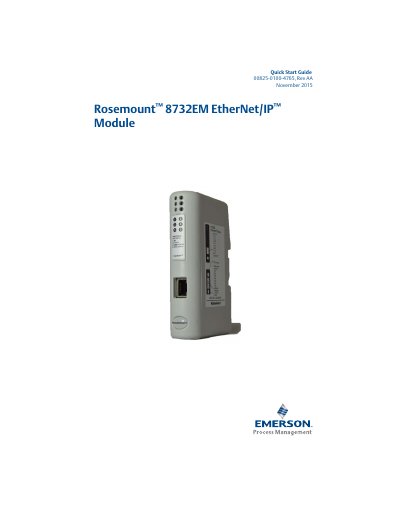
Rosemount 8732E M EtherNet/IP Module Quick Start Guide
The Rosemount 8732E M EtherNet/IP Module Quick Start Guide covers installation components, mounting, wiring, dip switch settings, LED indicators, and network configuration for the module.
It also describes the module as a gateway between the serial output of a Rosemount device and an Ethernet network, and refers to the 8732EM EtherNet/IP Module User Manual for more detailed instructions.
Rosemount 8732E M specifications
| Max ambient temperature | 55 °C (for Hazloc environments) |
|---|---|
| Field wiring terminal markings | wire type [Cu only, 14-30 AWG] |
| Wire type | 60/75 or 75 °C copper (Cu) wire only |
| Terminal tightening torque | 5-7 lb-in. (0.5 - 0.8 Nm) |
| Use environment | overvoltage category 1 pollution degree 2 |
Source: Rosemount 8732E M EtherNet/IP Module Quick Start Guide
All Rosemount 8732E M documents by type
The shortest path to a working setup, usually only a few pages.
Day-to-day operation, settings and troubleshooting. Start here if the product is already set up.
Questions answered in these manuals
What is the default password for the module login screen?
The default password is admin.
From: Rosemount 8732E M EtherNet/IP Module Quick Start Guide
What IP address is set when switches 1-7 are Off and switch 8 is On?
The IP address is set to 192.168.0.1.
From: Rosemount 8732E M EtherNet/IP Module Quick Start Guide
What is the maximum torque value for an 8-inch sensor?
The maximum torque for an 8-inch sensor is 70 pound-feet or 95 Newton-meter.
What material are the studs for a 1.5-inch sensor made of?
The studs for a 1.5-inch sensor are made of 316 SST ASTM A193, Grade B8M, Class 1.