
The Philips VTR6600 digital voice recorder user manual provides setup, recording, playback, system settings, and troubleshooting instructions.
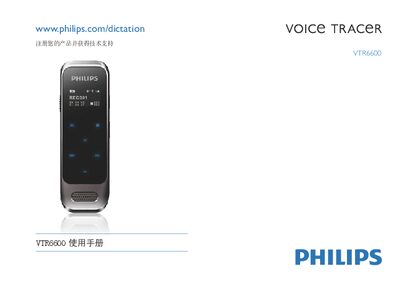
This manual explains how to operate the Philips VTR6600 digital voice recorder, including power on/off, charging, USB connection, and the four main modes: voice, music, FM radio, and system settings. It also covers key functions such as recording, playback, variable speed, file deletion, and personalized settings like gain and voice control.
Technical specifications are listed, detailing storage capacity, recording times, dimensions, weight, operating temperature, and interface. The FAQ section addresses common issues such as battery depletion, lock mode, and full memory, offering quick solutions. This manual is written in Chinese.
| Estimated recording time (Long Recording mode) | ≈2160 hours |
|---|---|
| Weight (with battery) | 60 g |
| Dimensions (W×H×D) | 33.4 × 102.0 × 8.8 mm |
| Operating temperature | 5 °C – 45 °C |
The battery may be empty; recharge it promptly.
Slide the HOLD switch to the OFF position.
Delete some recordings or move them to another storage device.