
The Philips V710 tablet user manual provides setup, operation, and troubleshooting instructions for the device.
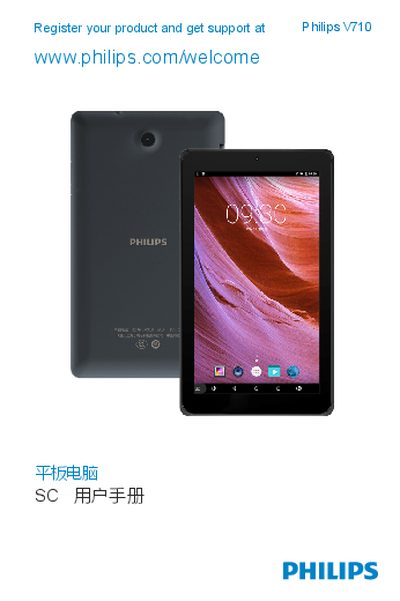
This manual introduces the Philips V710 tablet, covering basic hardware overview, power on/off procedures, and key button functions. It also explains how to configure personalized settings such as screen lock, date/time, and notification sounds.
Further sections guide users through inserting and safely removing a Micro SD card, setting up email accounts, using multimedia applications like the music player, and important safety and environmental information. This manual is written in Chinese.
| Supported storage card type | Micro SD |
|---|
Open the Email app, choose to add a new account, enter your email address, select the account type (POP3/IMAP/EXCHANGE), enter the password, and follow the on‑screen prompts.