
The Philips 275C5 monitor user manual provides safety guidelines, installation steps, operation instructions, image settings, specifications, and…
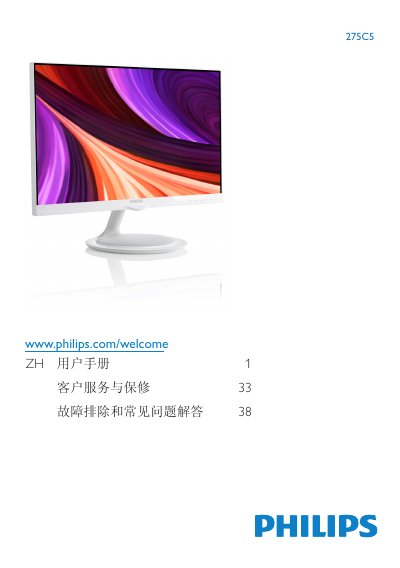
This manual covers important safety information, proper handling, and disposal of the Philips 275C5 LCD monitor. It explains how to install the unit, connect video and audio cables, and use the on‑screen display (OSD) to adjust picture modes, brightness, contrast, and other settings.
The document also lists the technical specifications, power‑management features, regulatory compliance, warranty terms, and a detailed troubleshooting section with FAQs for common issues such as video mode errors, refresh‑rate settings, and cleaning procedures. This manual is written in Chinese.
| Panel type | AH‑IPS LCD |
|---|---|
| Screen size | 27" (68.6 cm) |
| Resolution | 1920 × 1080 @ 60 Hz |
| Brightness | 250 cd/m² |
| Contrast ratio (typical) | 1000:1 |
| Response time (typical) | 14 ms |
| Vertical refresh rate | 56 Hz – 76 Hz |
| Color gamut | 16.7 million colors |
| Inputs (model 275C5QSB/QSW) | VGA (analog), DVI (digital, HDCP) |
| Inputs (model 275C5QHAB/QHAW) | VGA, HDMI1, HDMI2, MHL‑HDMI |
| Typical power consumption | 23.8 W |
| Dimensions (W × H × D) with stand | 613 × 467 × 238 mm |
| Weight (with stand) | 5.67 kg |
| Operating temperature range | 0 °C to 40 °C |
| Relative humidity range | 20 % to 80 % RH |
Set the PC resolution to 1920 × 1080 @ 60 Hz, disconnect all cables, reconnect the monitor, and restart the computer.
The recommended refresh rate is 60 Hz, though you can test up to 75 Hz to check for interference.
Use a dry soft cloth for normal cleaning; for detailed cleaning, a slightly damp cloth is allowed, but avoid alcohol, acetone, or other solvents.
Open the OSD menu, select “Color”, then choose one of the preset color temperatures (e.g., 5000 K, 6500 K, …, 11500 K).