
The Philips S Line 243S1 monitor user manual provides safety guidelines, setup instructions, image optimization, and technical specifications.
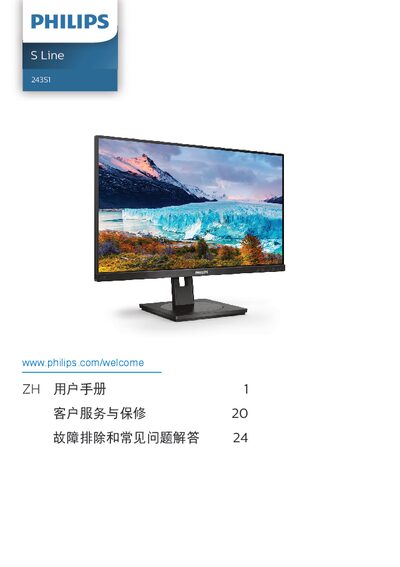
This manual covers important safety measures, installation steps, and operation of the Philips S Line 243S1 LCD monitor. It includes guidance on adjusting the display, using SmartImage features, and connecting peripherals such as HDMI, DisplayPort, USB‑C and RJ‑45.
Technical specifications, power‑management details, warranty information, and a troubleshooting FAQ are provided to help users maintain optimal performance and resolve common issues. This manual is written in Chinese.
| Panel Type | IPS |
|---|---|
| Screen Size | 23.8" (60.5 cm) |
| Resolution | 1920 × 1080 @ 60 Hz |
| Contrast Ratio (typical) | 1000:1 |
| Refresh Rate | 48 Hz – 75 Hz |
| Connectivity | 1× HDMI 1.4, 1× DisplayPort 1.2, 1× USB‑C (upstream), 1× RJ‑45, 4× USB‑A (downstream), DisplayPort out, audio out |
| USB‑C Power Delivery | Up to 65 W (5 V/3 A – 20 V/3.25 A) |
Use the native resolution of 1920 × 1080 for best performance.