
The Philips B Line 276B9 Monitor User Manual provides setup, safety, image optimization, power management, and troubleshooting instructions.
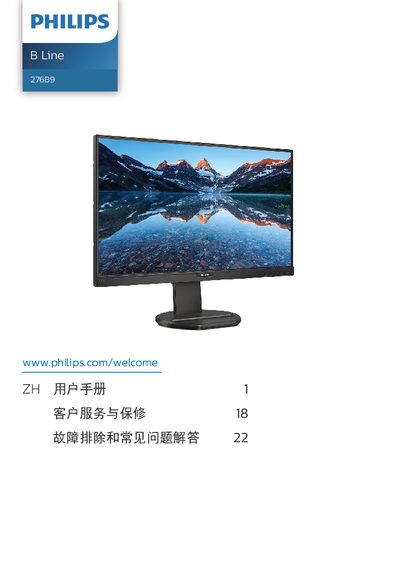
This manual covers everything needed to install and operate the Philips B Line 276B9 monitor. It begins with important safety information, explains how to install the monitor and its stand, and describes the operation of the on‑screen display (OSD) controls.
Later sections detail image‑enhancement features such as SmartImage and SmartContrast, power‑saving functions like PowerSensor, full technical specifications, warranty information, and a comprehensive troubleshooting and FAQ section that helps resolve common issues such as image burn‑in, resolution settings, and audio problems. This manual is written in Chinese.
| Panel type | IPS Technology |
|---|---|
| Backlight | W‑LED |
| Screen size | 27 inches |
| Aspect ratio | 16:9 |
| Native resolution | 2560 × 1440 @ 60 Hz |
| Contrast ratio (typical) | 1000:1 |
| Viewing angle | 178° (H) / 178° (V) |
| Color depth | 16.7 M (8‑bit) |
| Refresh rate range | 48 Hz – 75 Hz |
| Connectivity | HDMI 1.4 ×1, DisplayPort 1.2 ×1, USB‑C (up to 65 W), USB 3.2 ×4 |
| Typical power consumption | 27.3 W |
| Dimensions (with stand) | 614 × 558 × 263 mm |
| Weight (with stand) | 8.15 kg |
The recommended refresh rate is 60 Hz; you can increase it to 75 Hz to check for interference.
Open the OSD menu, select “USB Standby Mode”, and set it to “On”.